Turn your story into manga, manhwa & comics in under a minute

Input your script or novel passage, and watch our AI instantly plan, draw, and stitch a complete comic page with speech bubbles.

1. PASTE SCENE
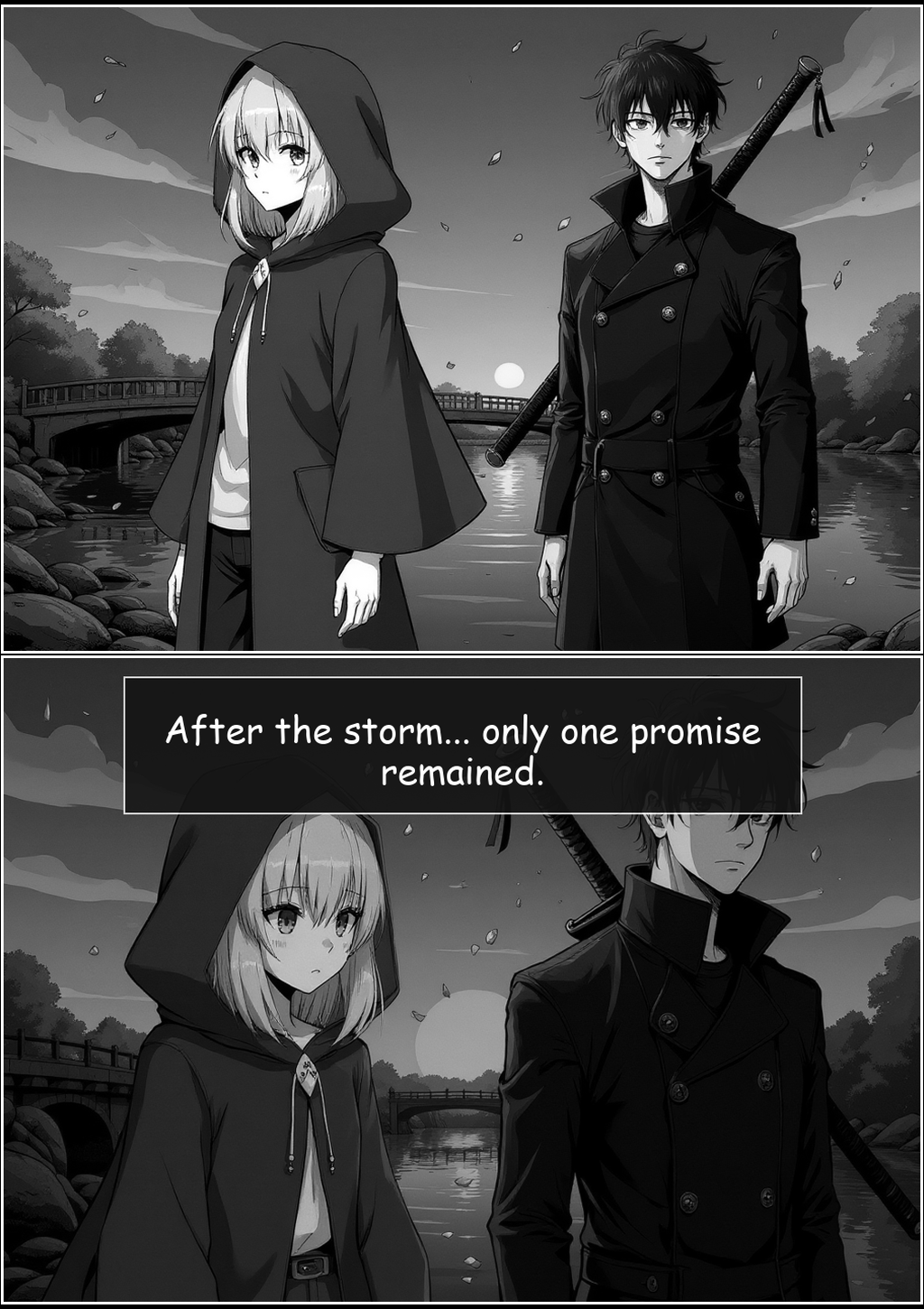
"The ancient stone bridge stretched between them under a bleeding sunset sky. Aria pulled her cloak tight; Kael let his sword rest on his shoulder. 'After the storm...' she whispered, 'only one promise remained.'"
2. GET COMIC
MANGA STYLE
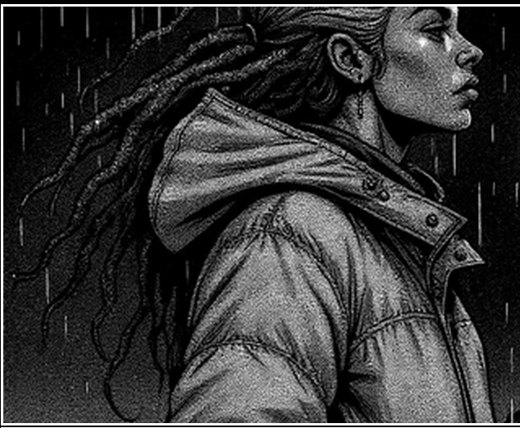
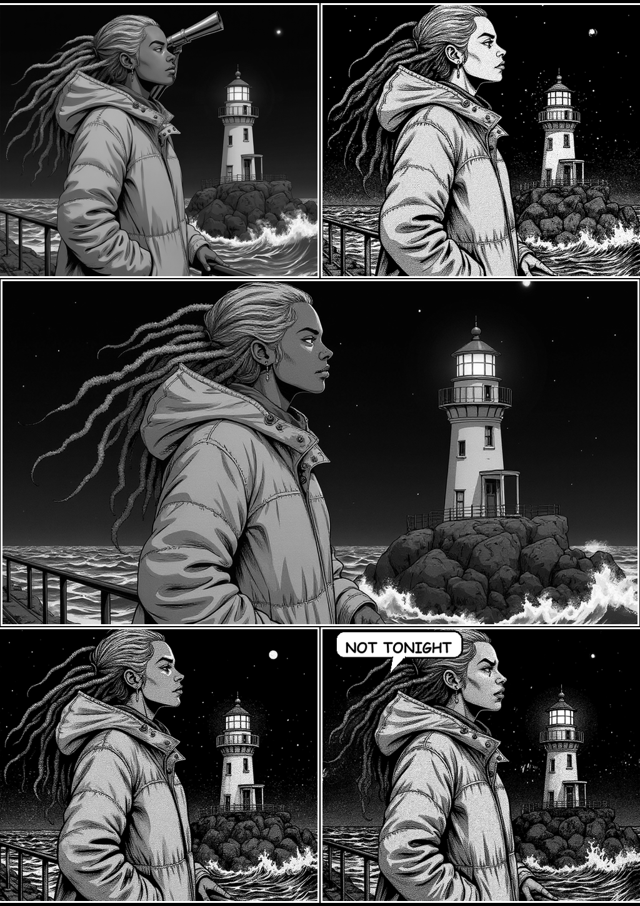
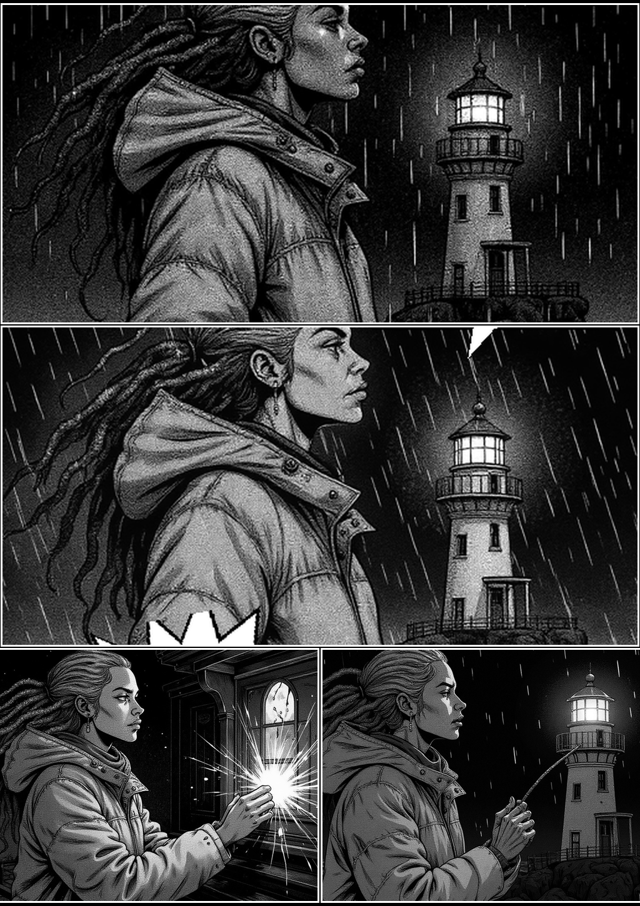
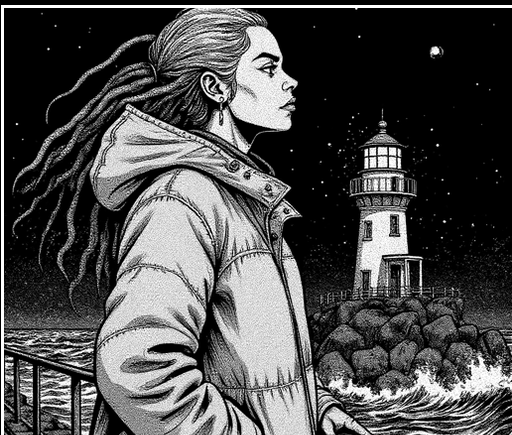
Inkraft AI Manga Sample Page
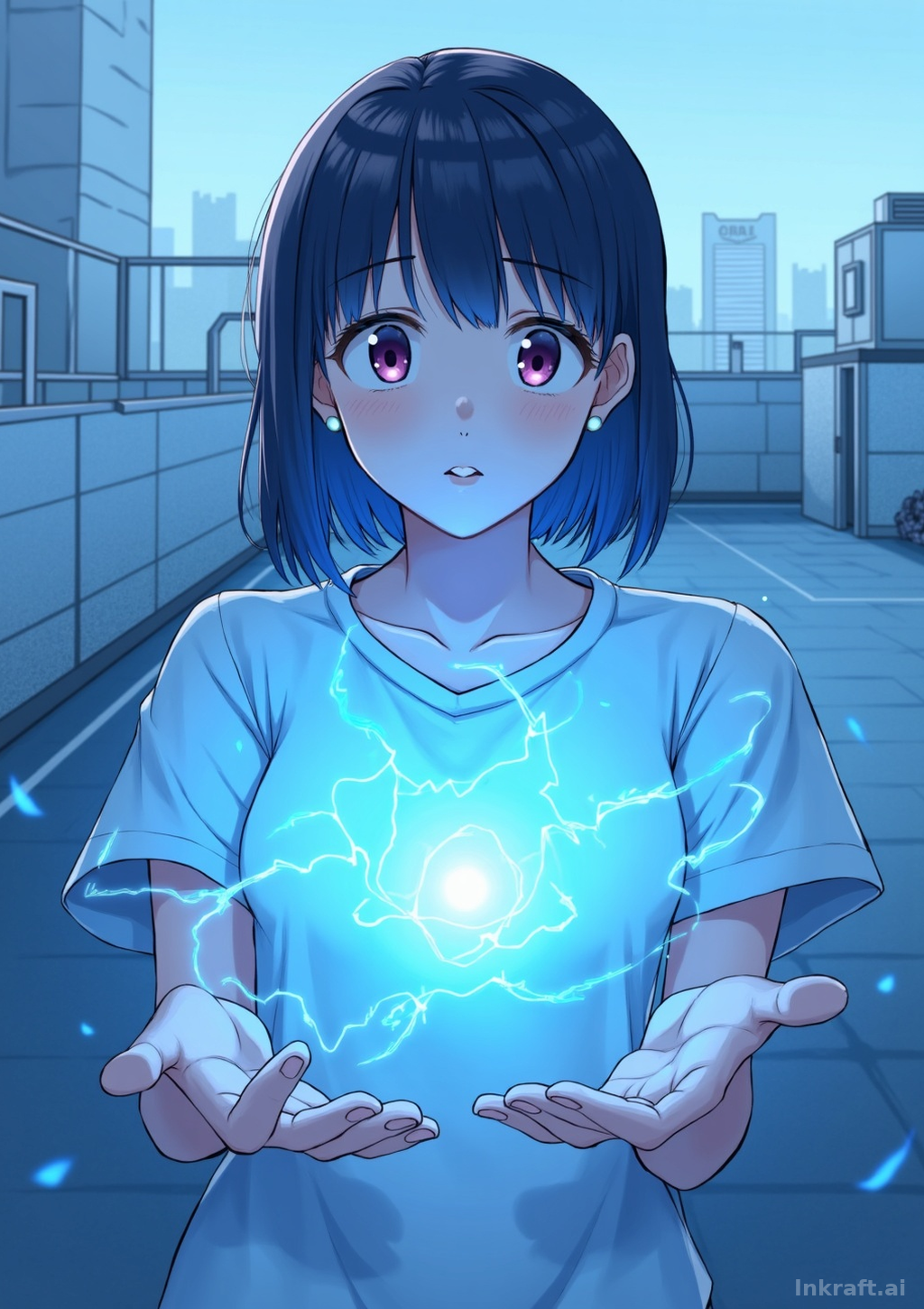
Inkraft AI Manhwa Sample Page
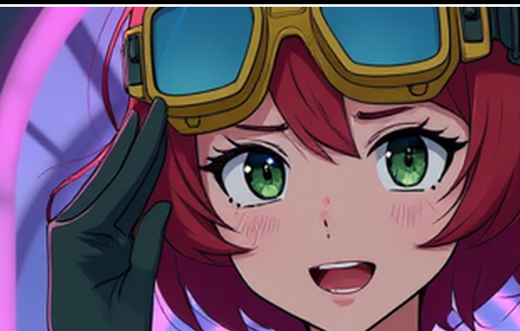
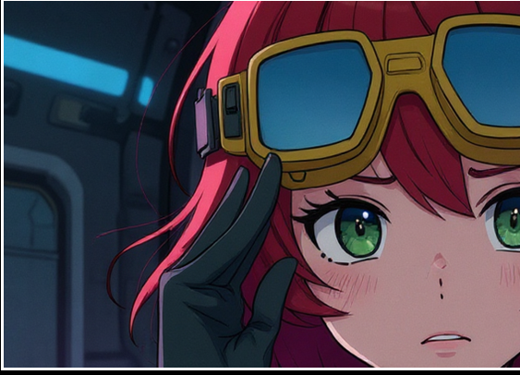
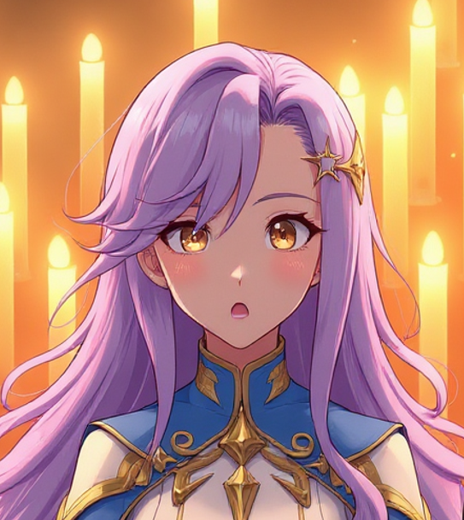
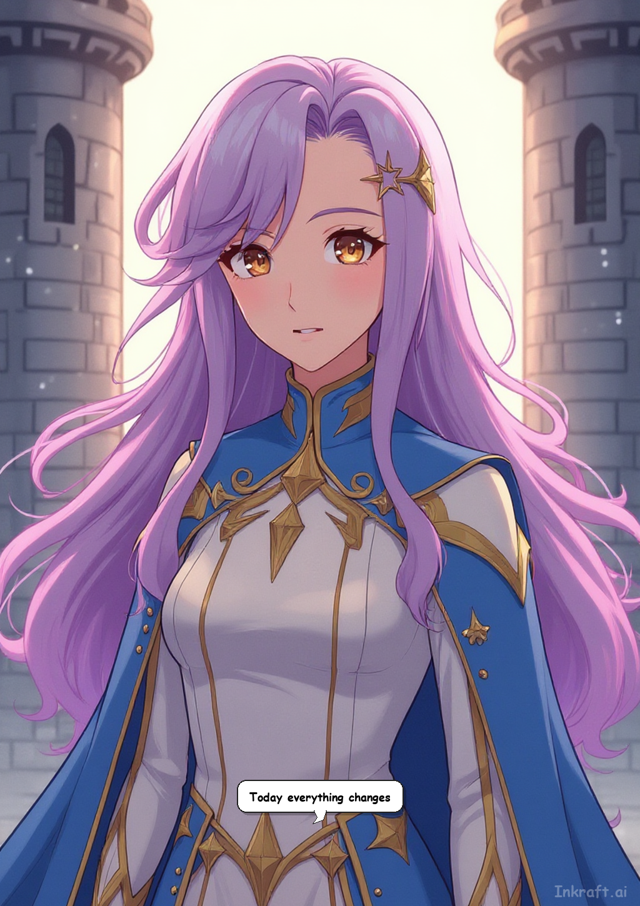
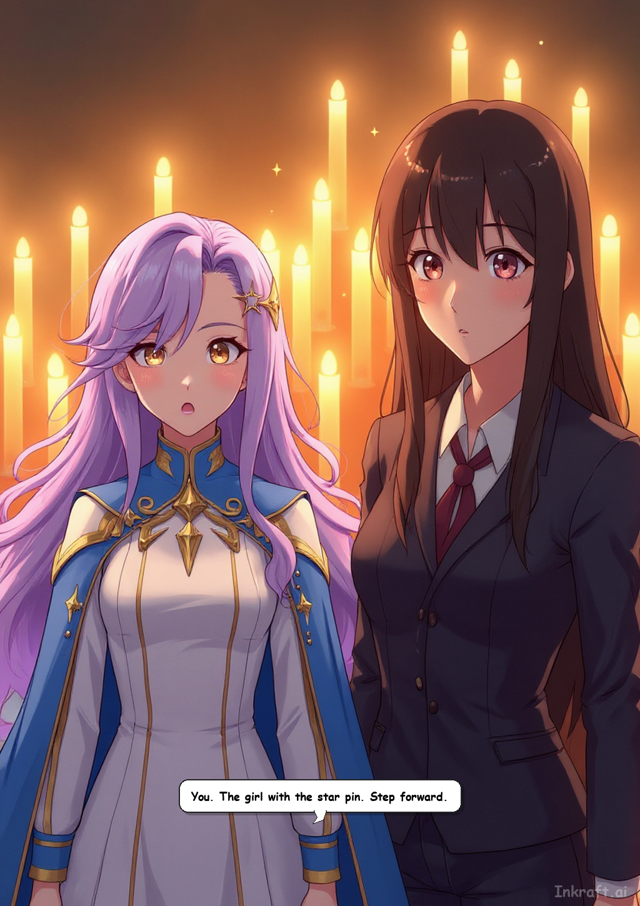
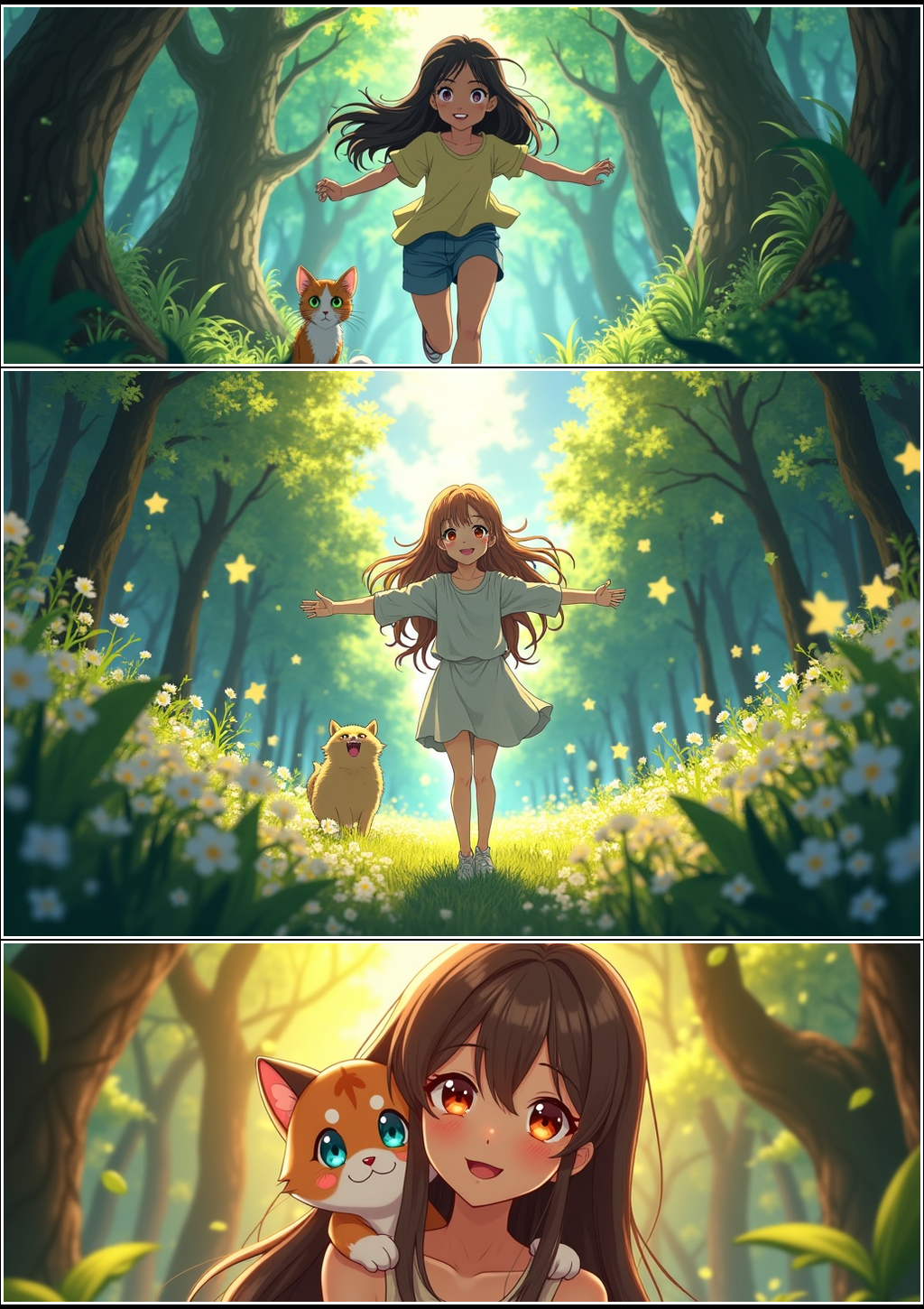
Inkraft AI Anime Sample Page
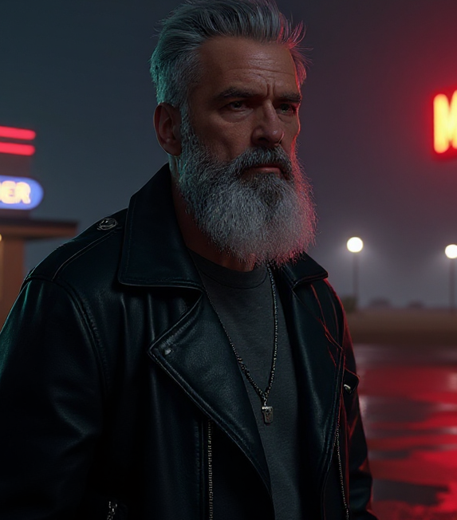
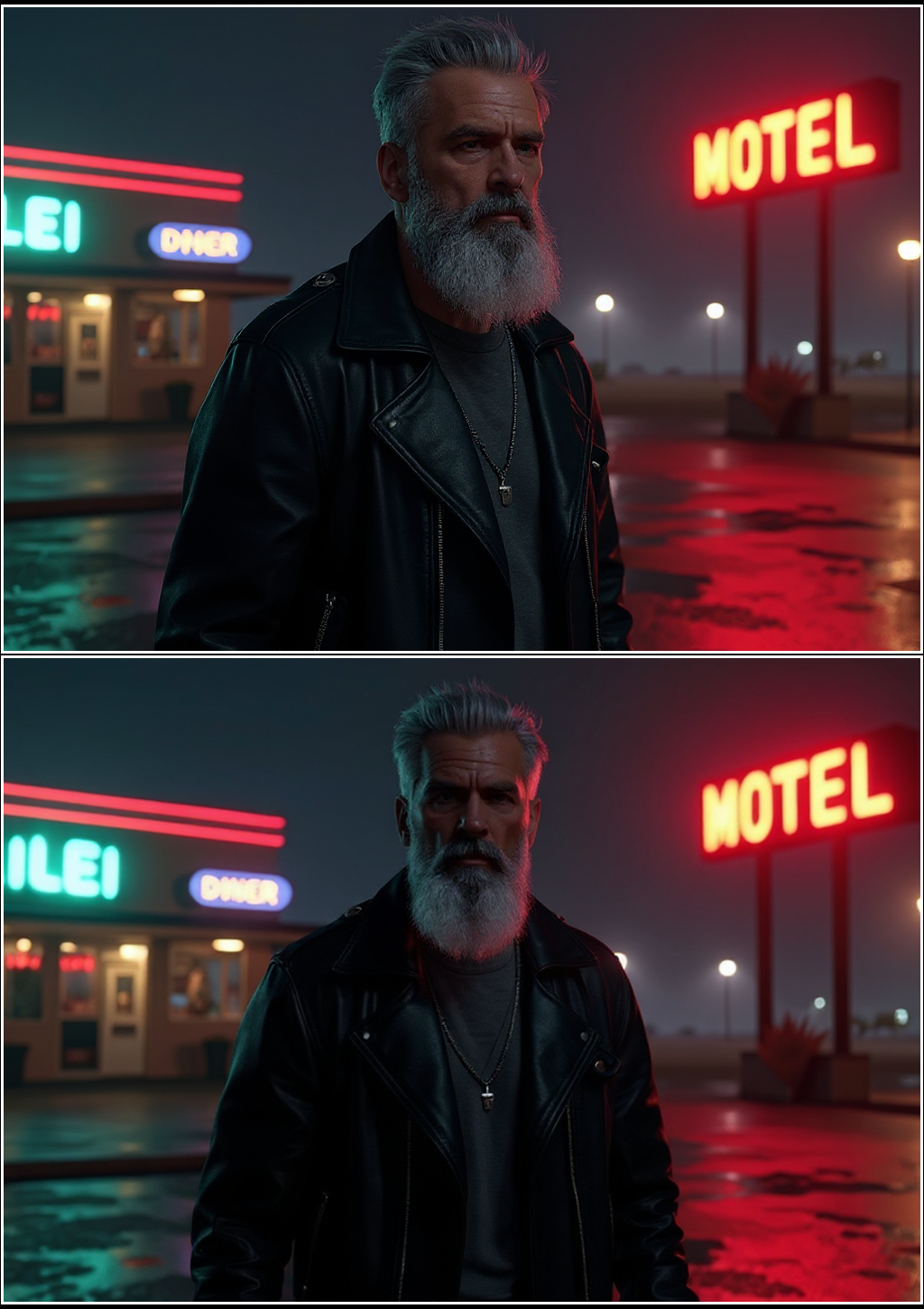
Inkraft AI Cinematic Sample Page
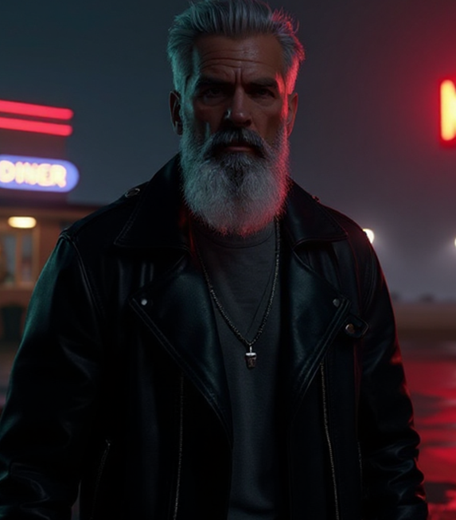
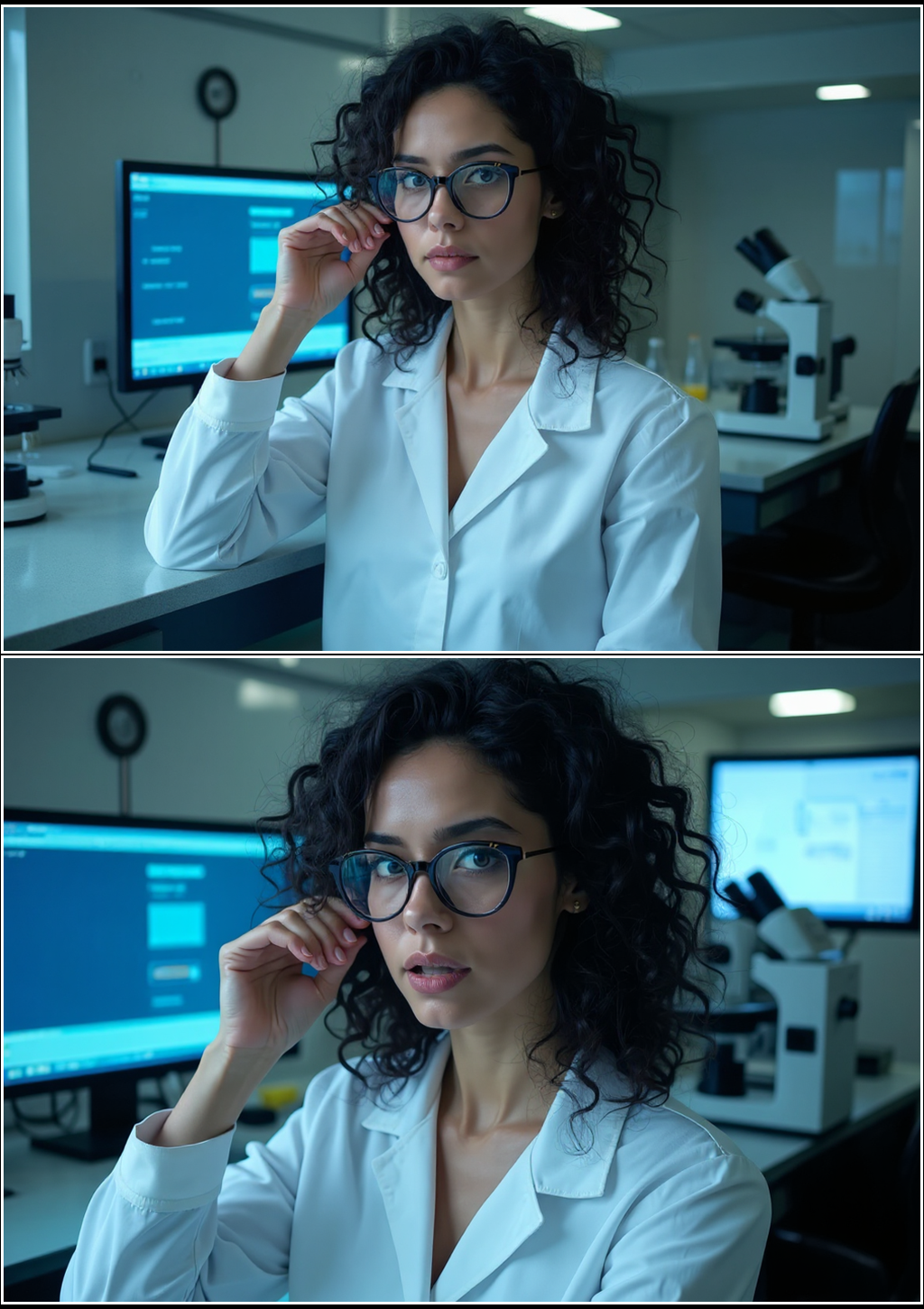
Inkraft AI Realistic Sample Page
⚡ LIVE GENERATION PREVIEW
Preview Styles:
1
Story
2
Style
3
Format
4
Cast
5
Create

Step 1: Enter Novel Text

Paste a scene or chapter from your novel. The AI parses the text to design panel scripts, pacing, and visual narration.

Try an example:

Step 2: Choose Art Style

Select the primary aesthetic rendering style. All visual traits will follow this style direction.

Step 3: Choose Format & Pacing

Select page format. Single Page gives a high-impact cover shot, while Panel Strip creates sequenced panels.

One widescreen or portrait cinematic frame. Best for cover pages and system window scenes.
📄
Single Page One cinematic panel Manhwa • Cinematic
Classic sequenced manga pages. Best for dialogue exchanges, actions, and episodic panels.
📊
Panel Strip Multiple panels Manga • Anime
Recommended: AI evaluates style and pacing to arrange the ideal format layout automatically.
AI Decides Auto-select layout Recommended
Format chosen automatically based on your style
Panel Layout Style
Panel Count
Colour Mode

Step 4: Active Cast

Select character profiles to cast them into this comic generation. The AI consistency engine will lock their visual traits across panels.

Active Character Sheets

Profiles checked here will be cast in this comic generation

Step 5: Review & Generate

Review your creator configuration below before initializing the local AI rendering sequence.

Configuration Summary

Story Script:

Art Style:
Format:
Pacing Layout:
Characters Active:

🎭 Want a character to look identical across every comic? Define them once in the Character Vault — then they stay consistent everywhere.

Comic Output

🎨

Your comic will appear here once generated.
More Than One-Off Images

Every example below was generated on the live Inkraft pipeline — not mockups.

MANGA
Manga example page 1
GENERATION 1
Manga example page 2
GENERATION 2 · SAME CHARACTER
ANIME
Anime example page 1
GENERATION 1
Anime example page 2
GENERATION 2 · SAME CHARACTER
CINEMATIC
Cinematic example page 1
GENERATION 1
Cinematic example page 2
GENERATION 2 · SAME CHARACTER
REALISTIC
Realistic example page 1
GENERATION 1
Realistic example page 2
GENERATION 2 · SAME CHARACTER
MANHWA
Manhwa example page 1
GENERATION 1
Manhwa example page 2
GENERATION 2 · SAME CHARACTER
🎭 CHARACTER VAULT

Same hero. Every panel. Every comic.

The #1 problem with AI comics is that your hero looks different in every image. The Character Vault fixes it: define a character once — hair, eyes, outfit, scars — and Inkraft draws them identically across panels, pages, and every comic you ever make.

← Every pair is the same character from two separately generated pages — in every art style. No re-describing, no luck involved.

  • Define once in the Vault, reuse in every story
  • Overrides whatever the AI would have guessed
  • Works automatically — just use the character's name
MANGA
Manga example page 1
PAGE 1 OF ONE PASTED STORY
Manga example page 2
PAGE 2, SAME STORY
MANHWA
Manhwa example page 1
PAGE 1 OF ONE PASTED STORY
Manhwa example page 2
PAGE 2, SAME STORY
📚 STORY MODE BETA

Paste a whole story. Get a whole comic.

Don't chop your story into scenes yourself. Story Mode reads the full text, splits it into comic pages at the right dramatic beats, and generates them one by one — same characters, same world, page after page, ready to read in order.

← Both of these pages came from one pasted story — the AI planned the pages, kept the snowy village consistent, and carried the hero across both.

  • Free page plan first — see pages & cost before generating
  • Each page generates like a normal comic (pay as you go)
  • Read the finished pages in sequence
🔗

Share Anywhere

One click makes a public link that unfurls as a big comic preview card in WhatsApp, Discord, and X.

🌐

Community Gallery

Publish your best pages to the shared gallery — or keep everything private. Your call, per comic.

🎲

Panel Re-Roll

Love the page but hate one panel? Redo just that panel for 10 credits — the rest stays untouched.

💬

Auto Dialogue

Quotes in your text become real lettered speech bubbles, placed with the right speaker.

📄

PDF Export

Download any comic as a print-ready PDF, or grab the PNG free.

🗃️

Your Library

Every comic you make is saved to your History — browse, re-download, or share it any time.

How It Works

PANEL 1 WRITE
📝

Paste Story

Input raw script details, novel passages, or action descriptions directly into the generator workspace.

➡️
PANEL 2 STYLE
🎨

Choose Style

Select your desired format: black-and-white Manga, full-color Manhwa, vibrant Anime, or epic Cinematic layouts.

➡️
PANEL 3 GENERATE

Get Comic

Watch as local AI plans panel cuts, coordinates character consistency, and paints your comic frame by frame.

Style Showcase

Traditional Ink
✒️

Manga

Retro black-and-white screen tones, hand-drawn hatching, and sharp action speed lines.

Try Style →
Webtoon Style
📱

Manhwa

Vibrant webcomic colors, clean layouts, and epic system window overlay styling.

Try Style →
Vibrant Cel

Anime

Rich cinematic lighting, cel-shaded details, and gorgeous modern digital illustration.

Try Style →
Cine-Shot
🎬

Cinematic

Moody lighting, realistic shadows, dramatic camera angles, and wide aspect frames.

Try Style →
Photo-Art
📷

Realistic

Detailed high-fidelity characters, immersive dramatic environments, and modern lighting.

Try Style →

Why Inkraft?

01 // AUTOMATION
📖

Story to Comic Generation

Directly convert raw novel chapters, script files, or plain text descriptions into dynamic comic panels. No manual panel drawing or layout coordination required.

02 // STORAGE
🔒

Character Vault

Store, refine, and lock character profiles. Save distinct traits like hair style, outfit, and gender to easily reference them during generation.

03 // COHESION
🧠

Character Consistency System

Powered by advanced visual consistency engines that lock distinct facial structures, hair colors, and clothing across multiple scene renders.

04 // AESTHETICS
🎨

Custom Styles

Select customized style pipelines for B&W screen-toned Manga, vertical system-window Manhwa, vibrant cel Anime, or Moody Cinematic illustration.

05 // VELOCITY

One-Click Generations

A completely unified layout pipeline that automatically extracts scenes, determines panels, generates art, and stitches them in a single workflow.

Open Beta & Pricing Plans

ACTIVE

Free Open Beta

$0

Try the complete comic pipeline during our open beta

  • ✔ 50 Welcome Credits on signup
  • ✔ All styles & layouts unlocked
  • ✔ Active Cast (Character Vault) enabled
  • ✔ PNG panel downloads (Free)
  • ✔ PDF export (Costs 10 credits)
Available After Beta Launch

Trial Pack — 80 Credits

$1.99

One-time trial pack, one per account

  • ✔ 80 standard credits
  • ✔ All styles & layouts unlocked
  • ✔ Active Cast (Character Vault) enabled
  • ✔ High-quality PDF exports
Available After Beta Launch

200 Credits Pack

$4.99

Great for single volume projects

  • ✔ 200 standard credits
  • ✔ All styles & layouts unlocked
  • ✔ Active Cast (Character Vault) enabled
  • ✔ High-quality PDF exports
Available After Beta Launch

400 Credits Pack

$9.99

Popular for series creators

  • ✔ 400 standard credits
  • ✔ All styles & layouts unlocked
  • ✔ Active Cast (Character Vault) enabled
  • ✔ High-quality PDF exports
Available After Beta Launch

850 Credits Pack

$19.99

Best value for comic studios

  • ✔ 850 standard credits
  • ✔ All styles & layouts unlocked
  • ✔ Active Cast (Character Vault) enabled
  • ✔ High-quality PDF exports