
Step 1: Enter Novel Text
Paste a scene or chapter from your novel. The AI parses the text to design panel scripts, pacing, and visual narration.
Step 2: Choose Art Style
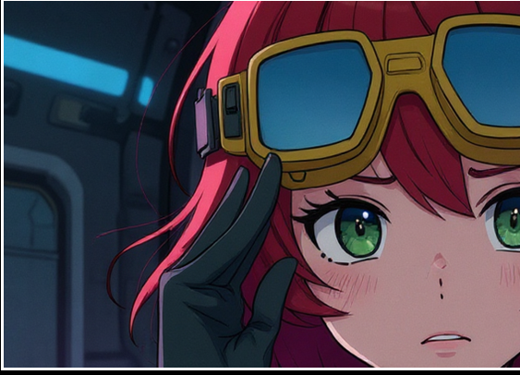
Select the primary aesthetic rendering style. All visual traits will follow this style direction.
Step 3: Choose Format & Pacing
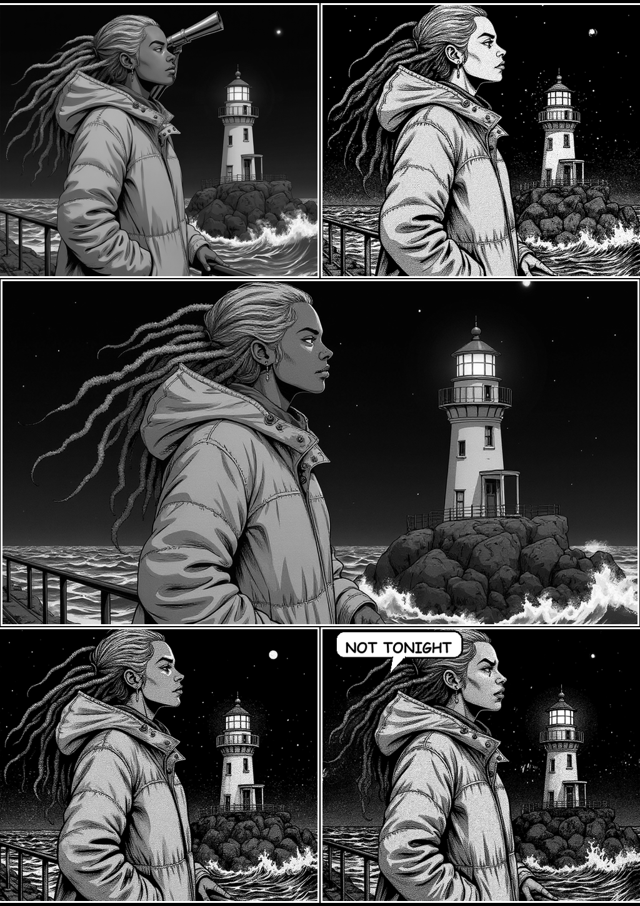
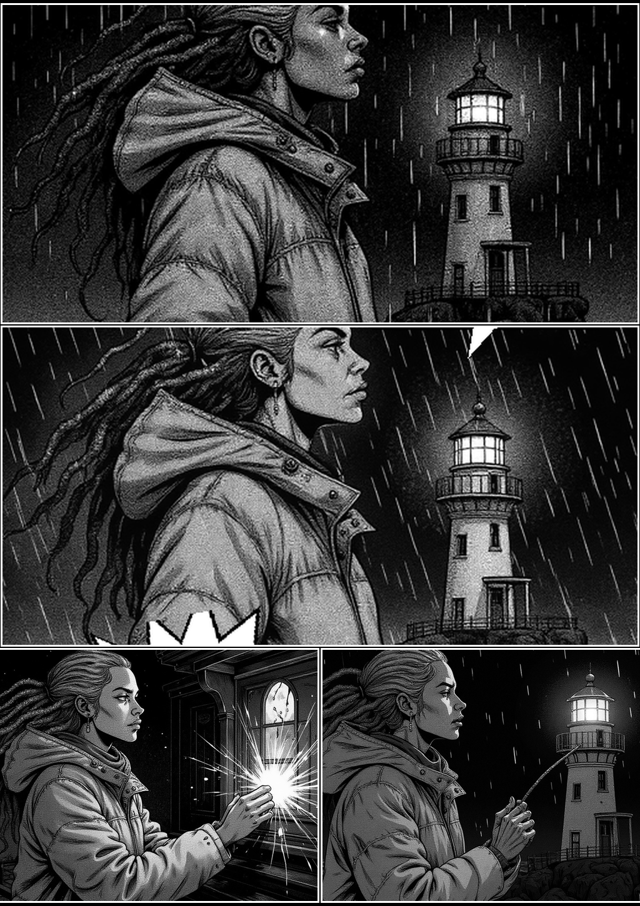
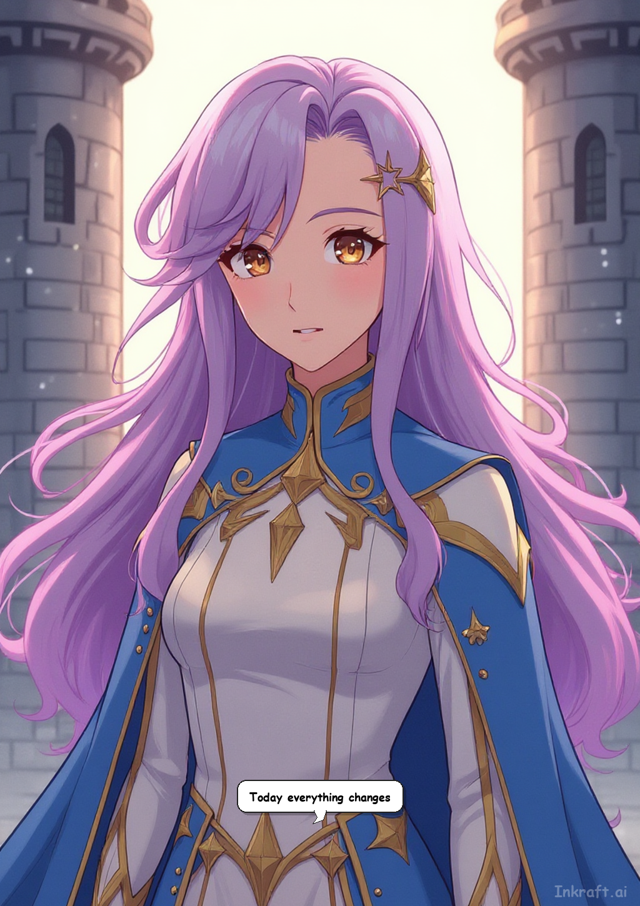
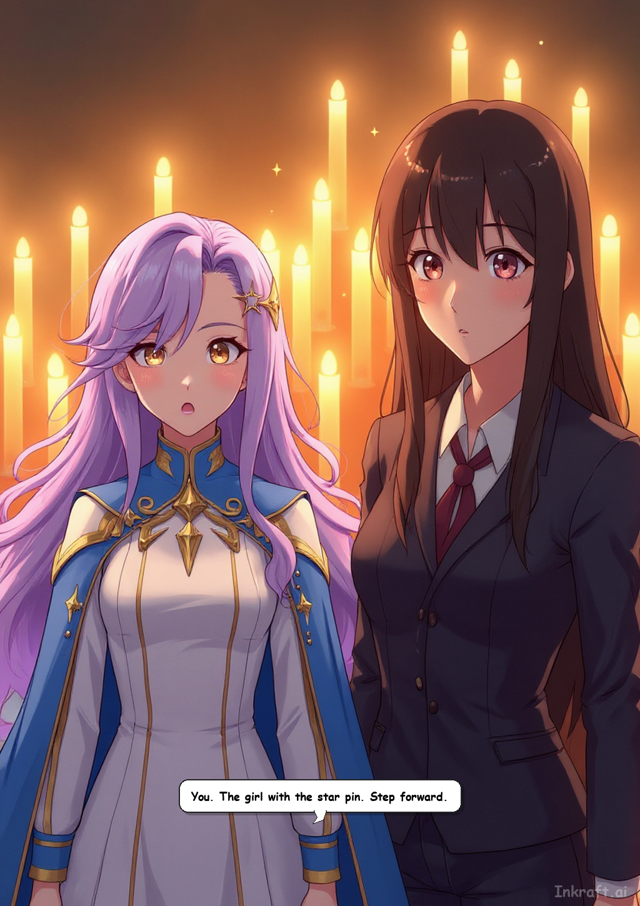
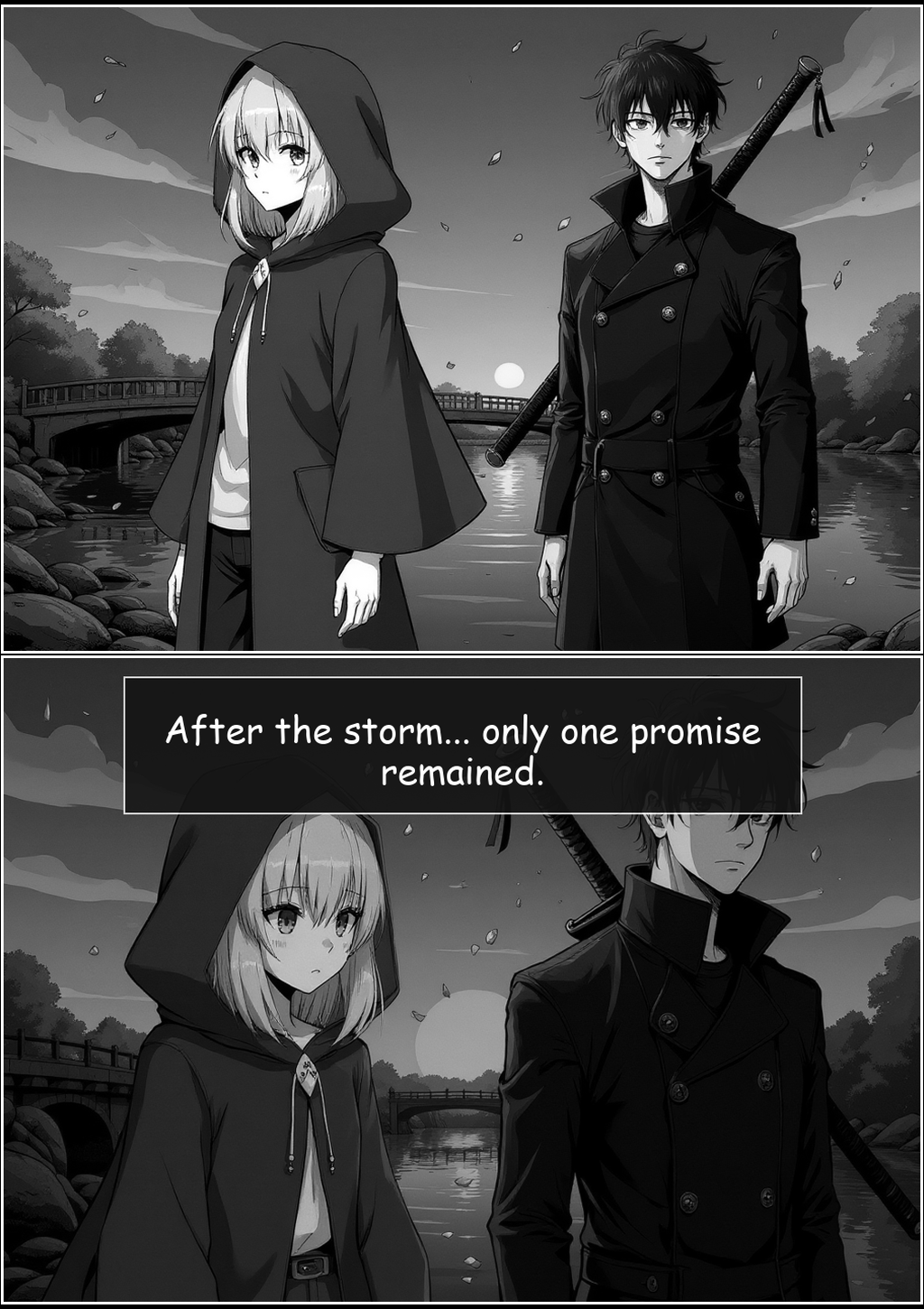
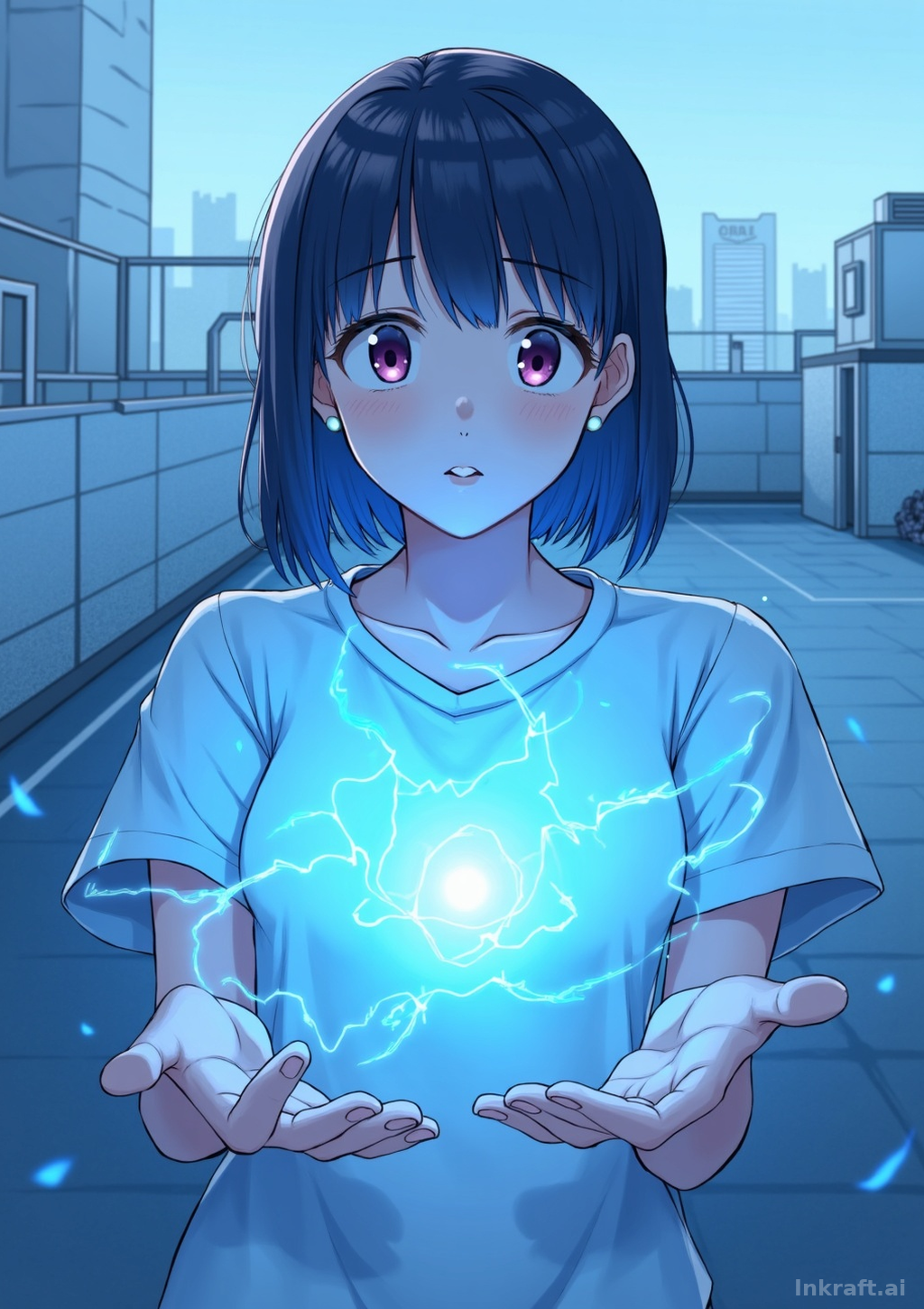
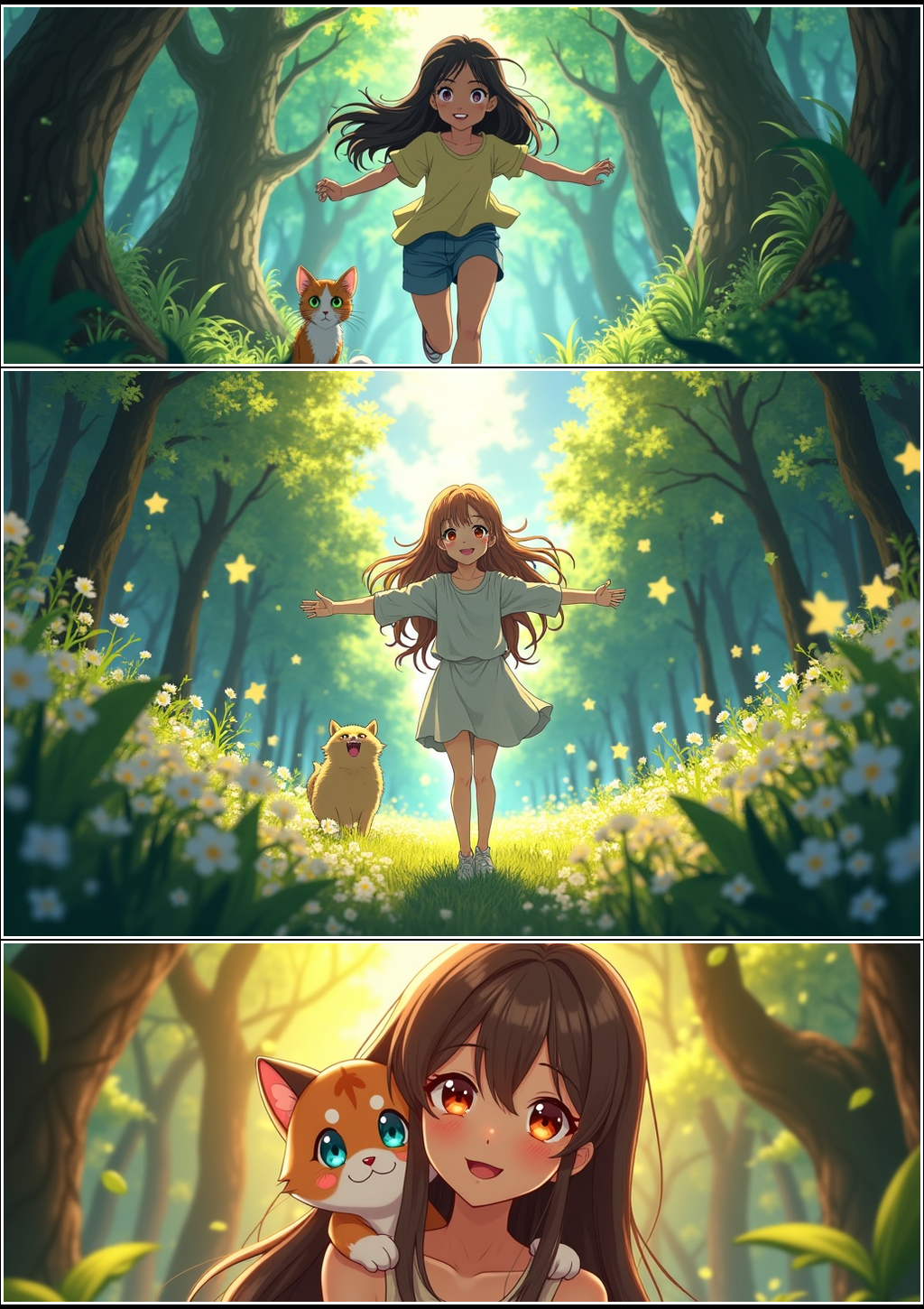
Select page format. Single Page gives a high-impact cover shot, while Panel Strip creates sequenced panels.
Step 4: Active Cast
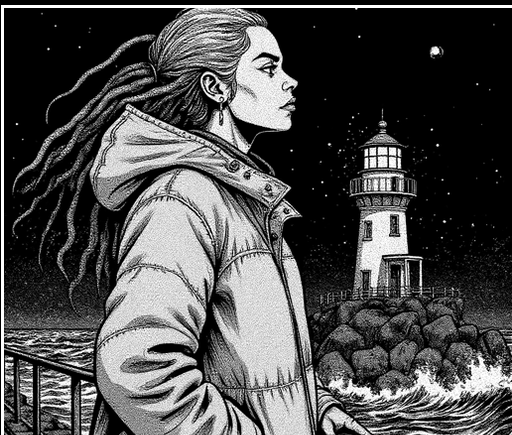
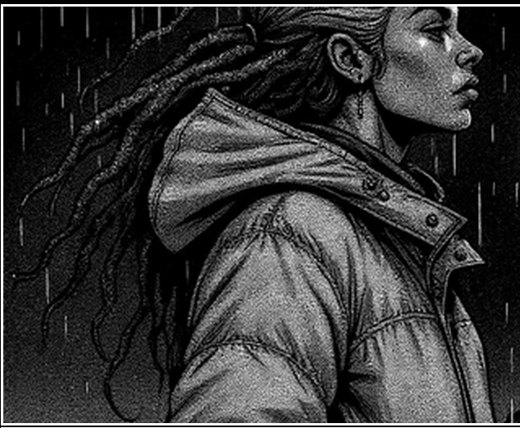
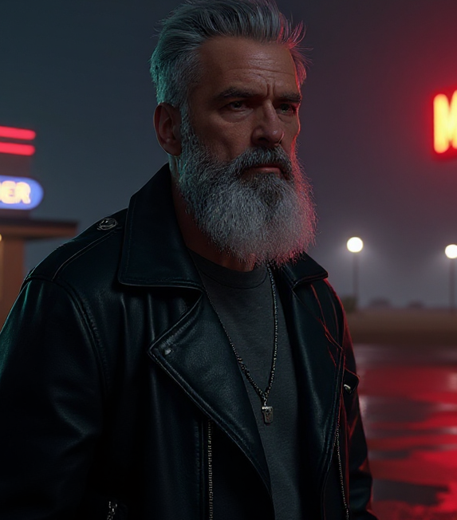
Select character profiles to cast them into this comic generation. The AI consistency engine will lock their visual traits across panels.
Active Character Sheets
Profiles checked here will be cast in this comic generation
Step 5: Review & Generate
Review your creator configuration below before initializing the local AI rendering sequence.
Configuration Summary
🎭 Want a character to look identical across every comic? Define them once in the Character Vault — then they stay consistent everywhere.
Comic Output
Extraction
board
Render
Assembly
Analyzing your story...
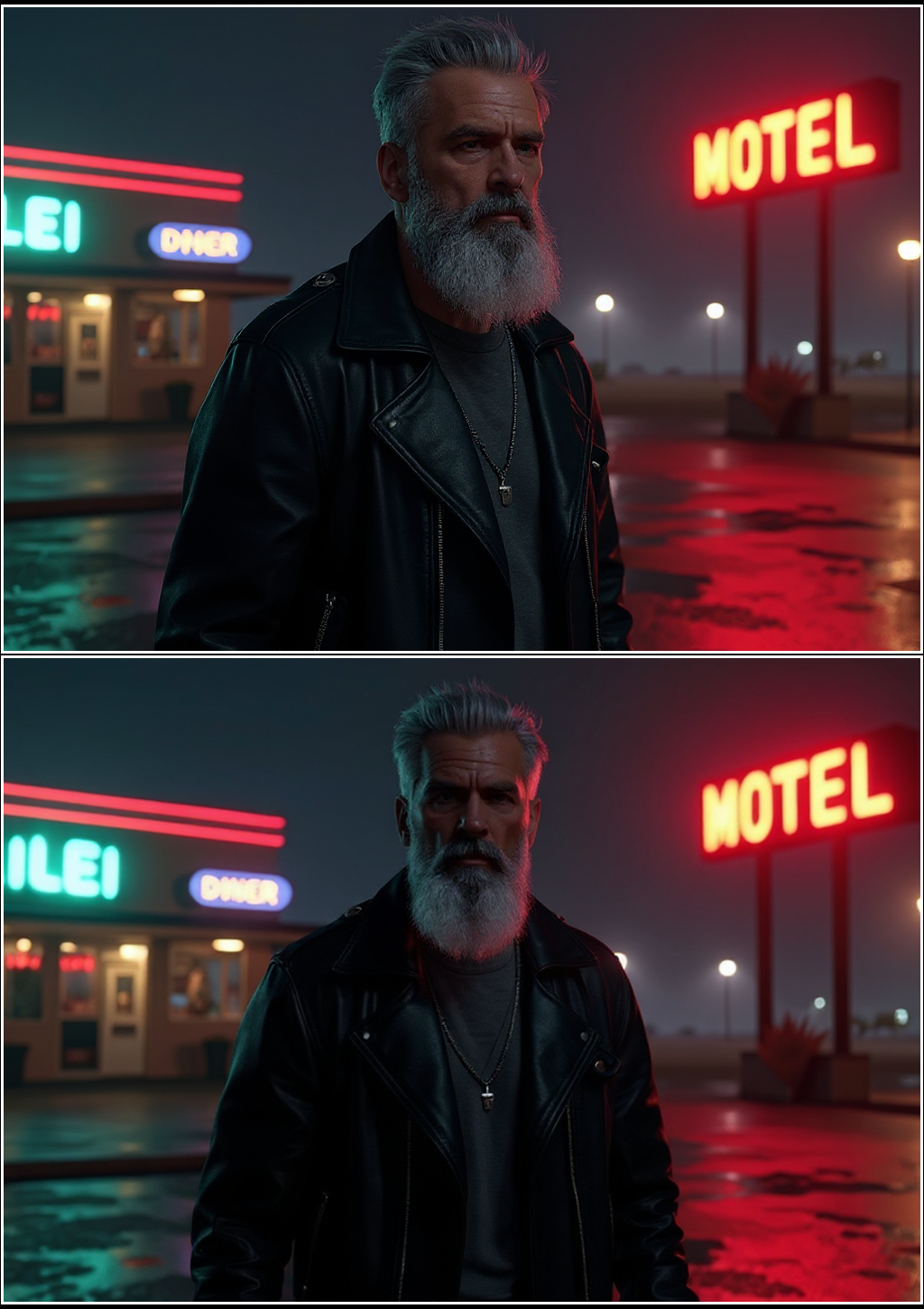
🎉 Your Manga Page is Ready!
Individual Panels
Your comic will appear here once generated.